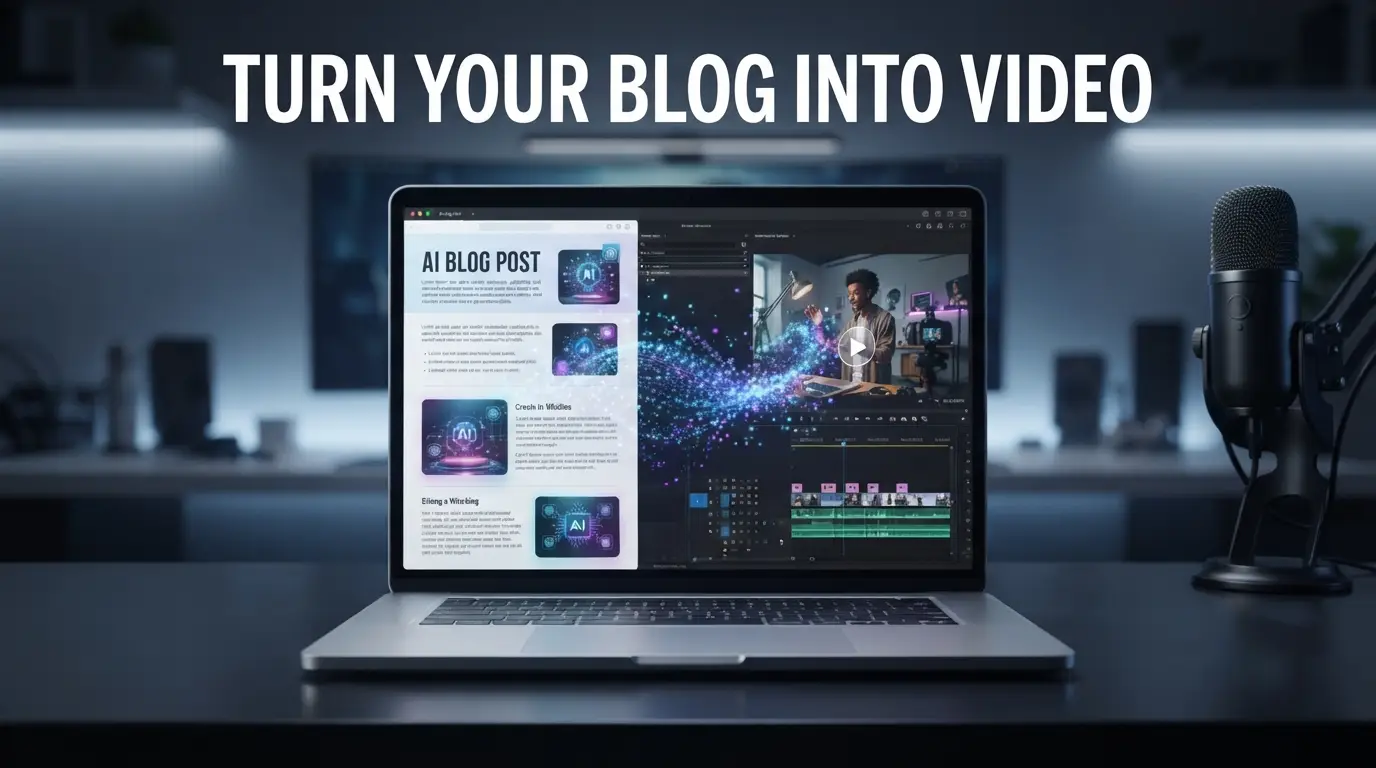
You don’t always need a completely new idea to create a new video. Sometimes, the best starting point is content you’ve already created. If you have a blog post, article, tutorial, or script, you can repurpose that content into video instead of starting the entire production process from zero.
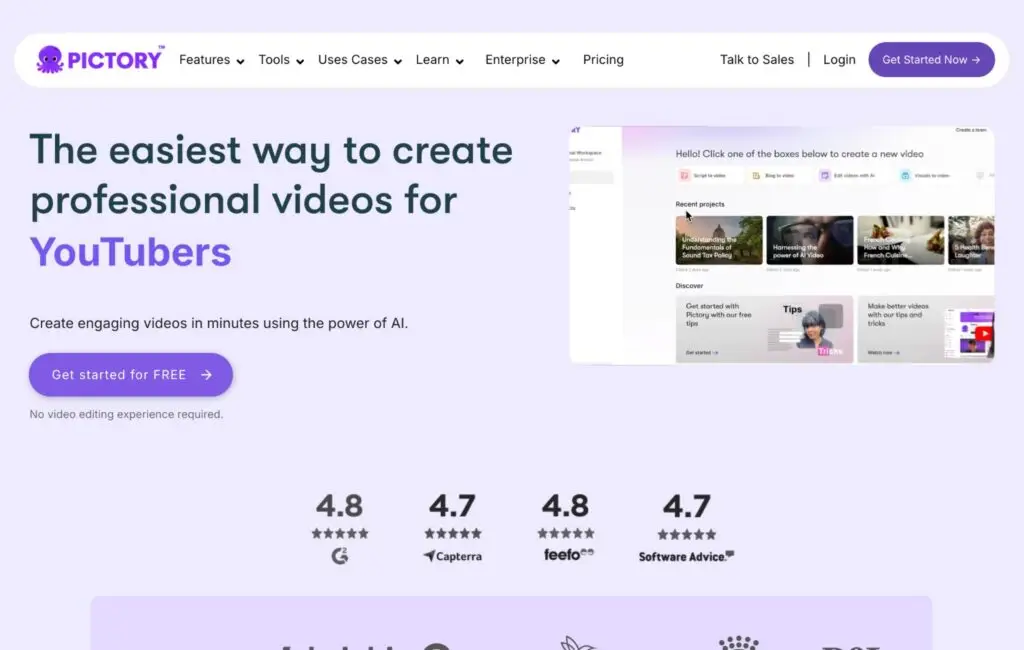
This is where AI video tools such as Pictory AI can be useful. You can try Pictory AI free here to see how the workflow looks.
Table of Contents
ToggleFrom Blog Post to Video in 10 Minutes
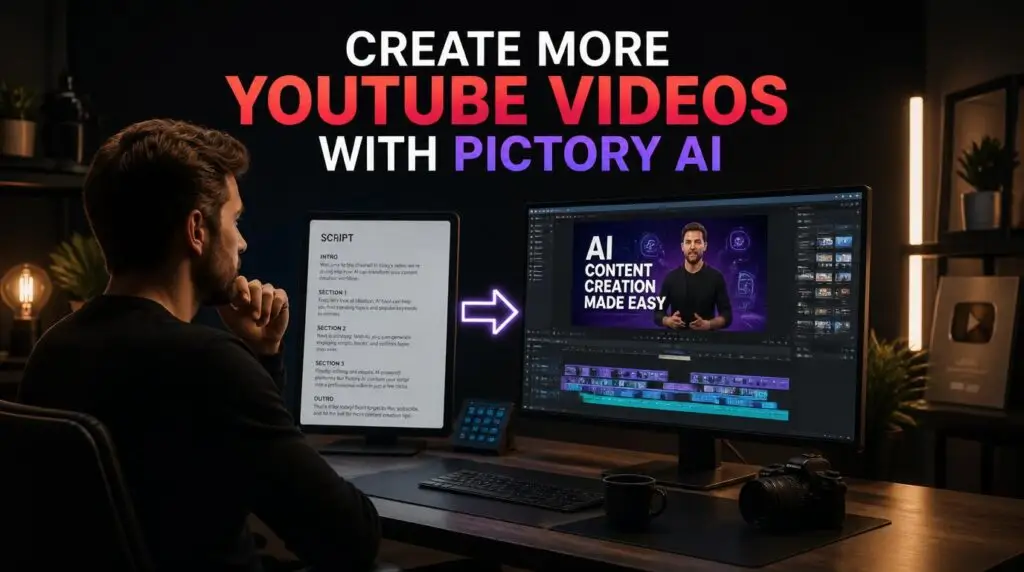
Pictory AI is designed to help turn written content into video content. Instead of manually planning every scene, searching for visuals, adding captions, and building a timeline from scratch, you can start with the written content you already have.
That makes it particularly useful for:
Bloggers
YouTubers
Content creators
Marketers
Small businesses
The process is simpler than most people expect. You paste in your article, the AI splits it into scenes, matches visuals to each one, generates a voiceover, and syncs captions automatically. In most cases, a first draft is ready in under 10 minutes — not hours.
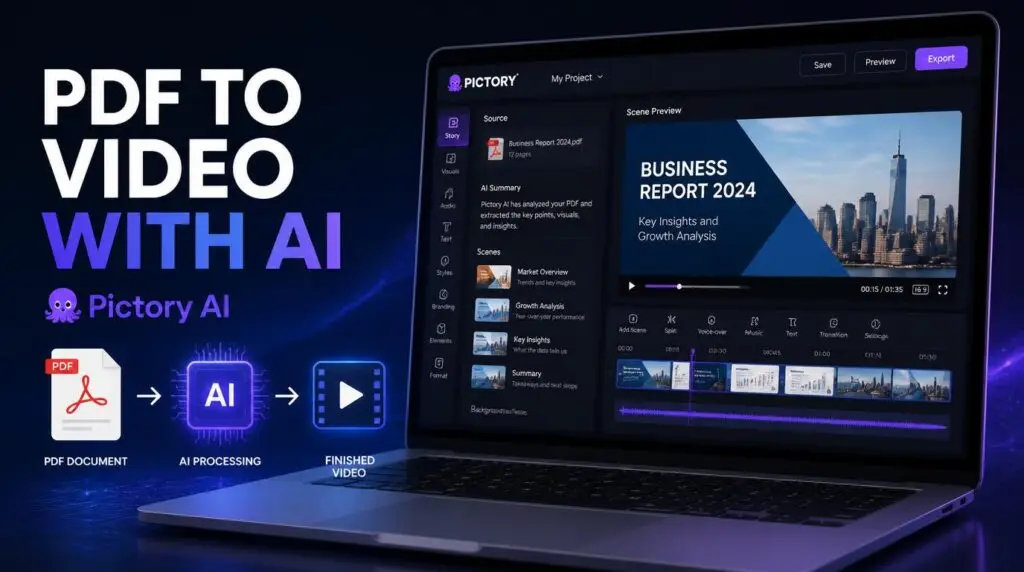
If you want to see how this works with a different input type, our guide on how to turn a PDF into a video with Pictory AI shows the process step by step.
Why Repurpose Existing Content?
Creating content consistently can take a lot of time. If you’ve already spent hours researching and writing a useful article, it makes sense to consider other ways to use that same idea.
One blog post can become:
A full video for YouTube
A YouTube Short
A social media post
A Pinterest idea
An email topic
The goal isn’t to create more work. It’s to get more value from the work you’ve already done. If you want to understand the full workflow behind this, our guide on how to create YouTube videos faster with InVideo AI covers a related approach.
What You Need Before You Start
To turn a blog post into a video in 10 minutes, you don’t need much:
A written article (blog post, tutorial, or script)
A free Pictory AI account
A rough idea of who the video is for
That’s it. You don’t need stock footage, a camera, editing software, or recording equipment. Everything is generated or matched automatically, and you review the draft afterward.
A Quick 10-Minute Workflow
Here’s what the process looks like in practice:
Open Pictory AI and start a new project
Paste your blog post or upload the article file
Let AI split the text into scenes
Review the visuals and swap out anything that feels off-brand
Choose a voiceover or upload your own narration
Add captions automatically
Export the video
The first draft is usually ready in just a few minutes. The remaining time is spent reviewing and adjusting, not building from scratch. If you want to make the script itself work better with AI, our guide on how to write a script for AI video generator tools covers the formatting that works best.
Common Mistakes to Avoid
A few things to keep in mind:
Don’t paste in a wall of text. Break up long articles with headings first — it helps the AI structure scenes.
Don’t skip the review. AI drafts are starting points, not final versions.
Don’t ignore the voiceover choice. Different AI voices work better for different audiences — test a few.
Don’t publish without captions. They boost watch time on YouTube and social media significantly.
If you’re thinking about which tool to use for this workflow, our Pictory vs Canva comparison breaks down which tool fits which job. And for more ways to save time, our guide on 5 ways Pictory AI can save you time creating videos goes deeper.
Final Thoughts
Repurposing a blog post into a video is one of the fastest ways to multiply your content without doubling your workload. If you already have written content sitting on your site, there’s no reason not to test the workflow.
Once you see how fast the first draft comes together, it changes how you think about publishing — instead of choosing between a blog post or a video, you start doing both. If you want to explore the platform further, our Pictory AI page covers what it does and who it’s for.
If you’re ready to test it, you can try Pictory AI for free here.
This article may contain affiliate links, learn more.
Pingback: AI Voiceovers Explained: Complete 2026 Pictory Guide
Pingback: Pictory vs Canva: Which Is Better for Video Creation?
Pingback: Pictory Review 2026: Is This AI Video Tool Worth It?