
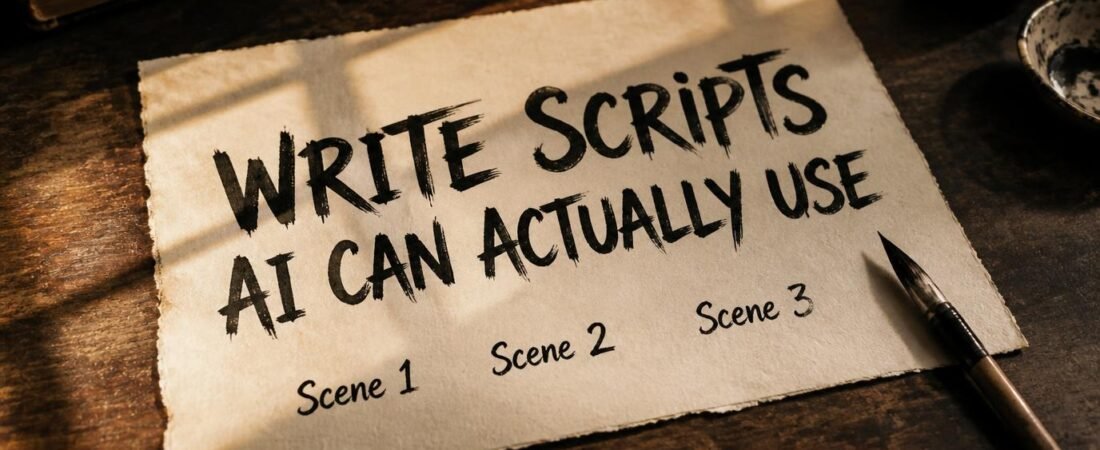
How to Write a Script for AI Video Generator Tools
A script that reads great out loud doesn’t automatically translate into a good AI-generated video. Learning how to write a script for AI video generator tools starts with understanding one thing: the way you structure it matters almost as much as what it says.
Table of Contents
Toggle
Most creators make the same mistake. They write a script that sounds good when read aloud, paste it into an AI video tool, and wonder why the output feels clunky or mismatched. The problem isn’t the tool. It’s the script structure.
If you’re still deciding between tools, our Pictory AI vs Canva comparison covers how they differ for video creation.
AI video tools don’t interpret text the way a human director would. They need clear signals, natural pacing cues, and visual markers to produce something that feels polished. Here’s how to give them exactly that.
Write in Scenes, Not Paragraphs
AI video tools break scripts into visual segments. If your script for AI video generator is one long block of text, the tool has to guess where one idea ends and the next begins. Short, separated lines make that split obvious.
Think of each line as a potential visual scene. When you write:
“Most creators struggle with video production because they don’t plan their scripts properly. The result is often messy and disconnected.”
That’s one block with two ideas. The AI might try to combine them or split them awkwardly.
Instead, write:
“Most creators struggle with video production.” (Scene 1)
“They don’t plan their scripts properly.” (Scene 2)
“The result is often messy and disconnected.” (Scene 3)
Now the AI knows exactly where each visual cue belongs.
Keep Sentences Short Enough to Say Out Loud
If a sentence makes you run out of breath reading it silently, it will sound worse narrated. Short, direct sentences pace better and match visuals more naturally.
This is especially important when you’re writing a script for AI video generator tools. The AI uses your text to determine timing and rhythm. Long, complex sentences rush through scenes, making the video feel hurried.
A good rule: read each sentence out loud. If you can’t say it comfortably in one breath, break it into two.
Mark What Should Be Visual
A line like “imagine losing an hour to a single edit” gives the tool something concrete to visualize. Vague, abstract lines are harder to match to footage.
When you write your script for AI video generator, think about what the viewer should see. If you say “time is money,” the AI might show a clock. If you say “wasting time costs you,” it might show an hourglass. But if you say “imagine losing an hour to a single edit,” it can show someone staring at a screen, frustrated-a much more compelling visual.
For a different approach to AI video creation, see our InVideo AI guide.
A Quick Structure That Works
Here’s a simple formula for any script for AI video generator:
Hook – one line that grabs attention
Three short points – each one a scene
Closing line – ties back to the hook
It’s simple, but it’s the structure that consistently produces clean, well-paced AI-generated videos.
Example:
Hook: “Most creators waste hours editing videos they could generate in minutes.”
Point 1: “The script is the problem, not the tool.”
Point 2: “Short scenes give the AI clear instructions.”
Point 3: “Visual markers make the output feel polished.”
Close: “Fix your script, fix your videos.”
Common Mistakes to Avoid When Writing a Script for AI Video Generator
Many creators unknowingly sabotage their own results. Here are the most common mistakes:
Mistake #1: Writing for the page, not for the ear. If it sounds formal, it’ll sound robotic. Write conversationally.
Mistake #2: Forgetting the audience’s context. A script that works for YouTube might flop on TikTok. Know where your video will live.
Mistake #3: Overcomplicating the visuals. You don’t need to describe every frame. Just mark the key moments and let the AI fill in the rest.
Final Thoughts
A better script doesn’t take longer to write-it just takes a different shape. Once you learn how to write a script for AI video generator tools, the output gets noticeably cleaner. The AI stops guessing and starts executing.
The effort you put into structuring your script comes back tenfold in saved editing time and better viewer engagement. It’s a small shift that makes a massive difference.
So next time you sit down to create, remember: the AI is ready. The question is-is your script?
Disclosure: This article contains an affiliate link. If you sign up through it, AyaTools may earn a commission at no extra cost to you.

Pingback: How to Create Faceless YouTube Videos With AI
Pingback: How to Create YouTube Videos Faster With InVideo AI (2026)
Pingback: Create More YouTube Videos With Pictory AI (2026)
Pingback: Pictory AI – 5 Ways to Save Time Creating Videos (2026)
Pingback: Pictory AI: Simple Guide to Turn Blog Post into Video 2026