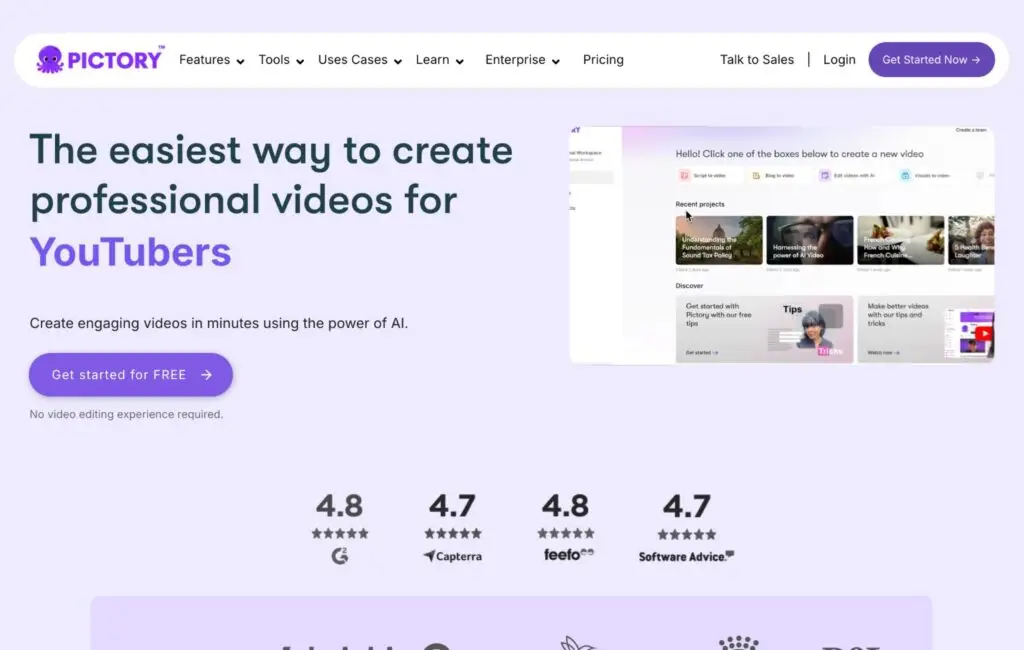
AI video creation tools are changing how creators produce content. What used to require cameras, editing software, and hours of manual work can now be handled largely by AI. Pictory is one of the tools leading that shift, and in this review, we look at what it does, who it’s for, and whether it’s worth trying in 2026.
Table of Contents
TogglePictory Review 2026 — Is This AI Video Tool Worth It?
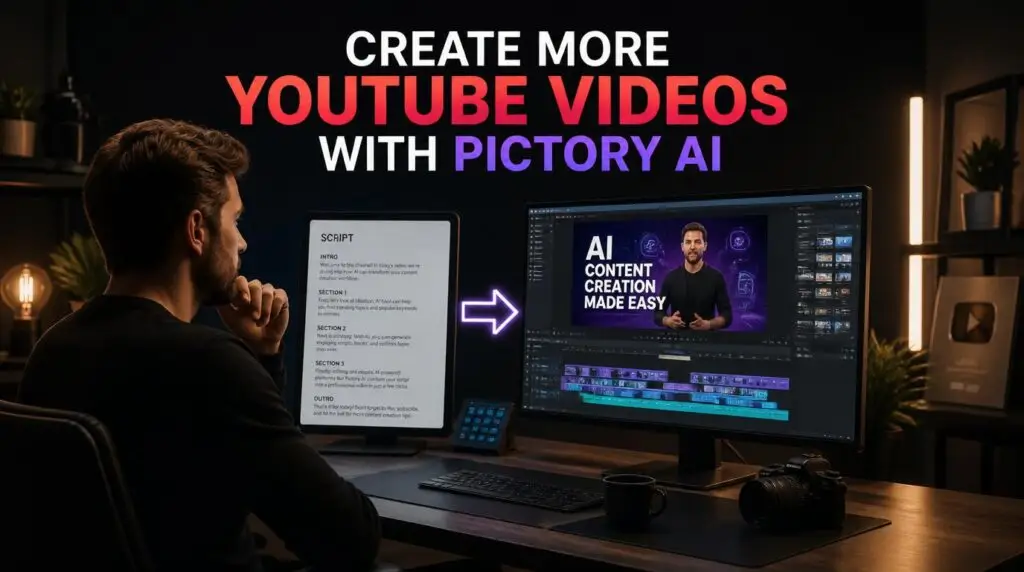
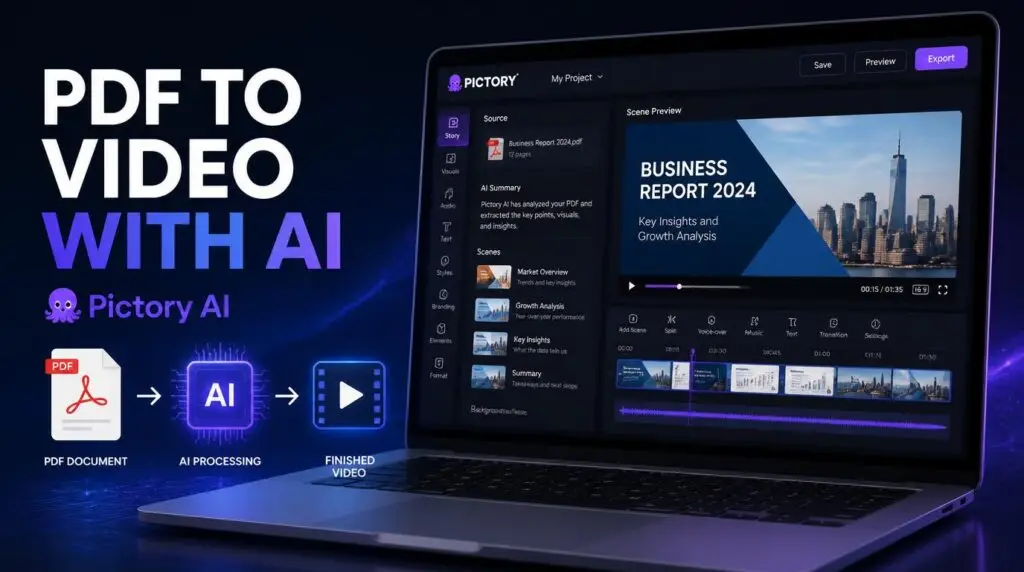
Pictory is an AI tool that extracts the most important parts of your written content and turns them into video clips. You don’t need any editing skills — the AI handles the heavy lifting. Paste in a blog post, script, or PDF, and Pictory builds a scene-by-scene video draft automatically.
It’s designed specifically for content creators who already have written material and want to turn it into video without starting from scratch. That includes bloggers, YouTubers, marketers, and small businesses repurposing existing content.
You can try Pictory free here to see how the workflow looks before committing.
How AI Video Creation Tools Are Changing Content Workflows
Traditionally, turning a blog post into a video meant:
Writing a separate video script
Finding stock footage for every scene
Recording a voiceover
Adding captions manually
Editing on a timeline
That process could take hours per video — which is why many creators avoid video altogether. AI tools collapse several of those steps into one workflow. Pictory handles scene splitting, visual matching, voiceover generation, and caption syncing automatically. The result is a first draft ready in minutes instead of hours.
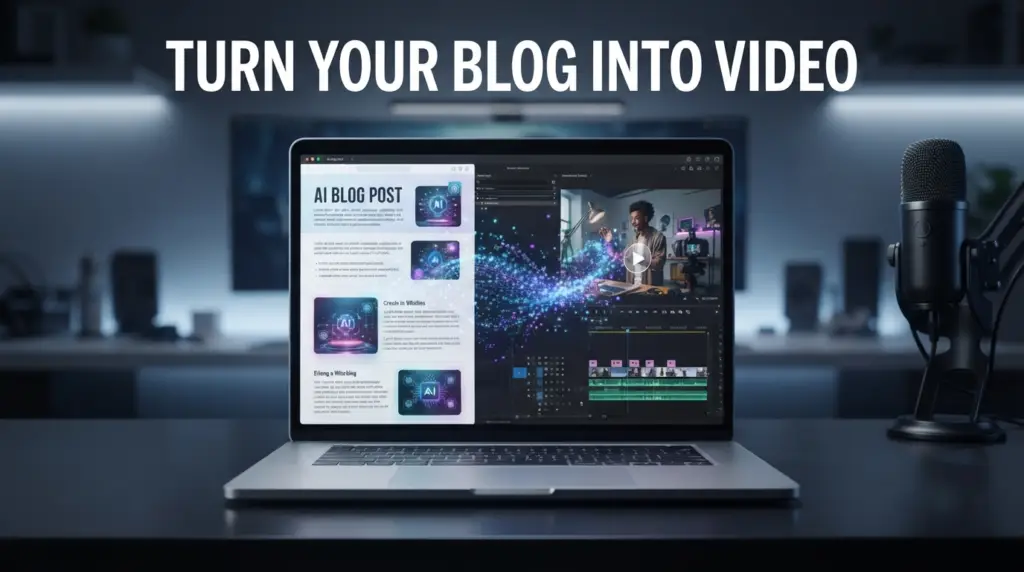
If you want a step-by-step example, our guide on how to turn a blog post into a video in 10 minutes walks through the process.
What Pictory Does Well
Based on the product listing and customer feedback, Pictory’s strengths are:
Speed — a long article can become a working video draft in under 10 minutes
Automatic captions — saves hours of manual timing and syncing
Clean interface — beginner-friendly, no editing background required
Text-based editing — change the script, and the video updates
Content repurposing — one article can become several shorter clips
For anyone whose bottleneck is production time rather than ideas, these features directly address the problem.
Where Pictory Falls Short
A few things to keep in mind:
Voiceover options are limited on the free tier — more voices require a paid plan
Some stock footage feels repetitive, especially for niche topics
The AI-generated draft still needs human review before publishing
Customization is limited compared to professional editing software
None of these are dealbreakers, but they’re worth knowing before you commit. If you want to see how Pictory compares with a design-first tool, our Pictory vs Canva comparison breaks down the differences.
Who Is Pictory For?
Pictory works well for:
Bloggers who want to turn articles into video
YouTubers looking to publish more consistently
Marketers repurposing written content
Small businesses producing video without a production team
Creators working without appearing on camera
If your content is heavily visual or relies on hand-filmed footage, an AI tool won’t replace that. But for scripted, narration-driven content — which covers a large share of online video — it removes a lot of friction. For that specific use case, see our guide on how to create a faceless YouTube video.
The Bigger Picture for AI Video Tools
AI video creation tools aren’t replacing good content — they’re removing the production bottleneck that stands between an idea and a published video. The thinking, the script, the audience understanding — those still come from the creator. AI handles the repetitive assembly work.
That’s the shift happening in 2026: video isn’t reserved for people with editing skills or production budgets anymore. It’s accessible to anyone who can write clearly and wants to publish more.
If you want to see how Pictory fits a broader workflow, our guide on how to create YouTube videos faster with InVideo AI covers a related tool and approach.
Final Verdict
Pictory is a solid choice for bloggers, YouTubers, and marketers who want to repurpose content without overcomplicating things. It won’t replace professional editing software for every project, and the free tier has limits — but for turning written content into usable video drafts quickly, it does exactly what it promises.
Worth trying if you already have written content sitting on your site. You can test Pictory free here and see if the workflow fits how you create.
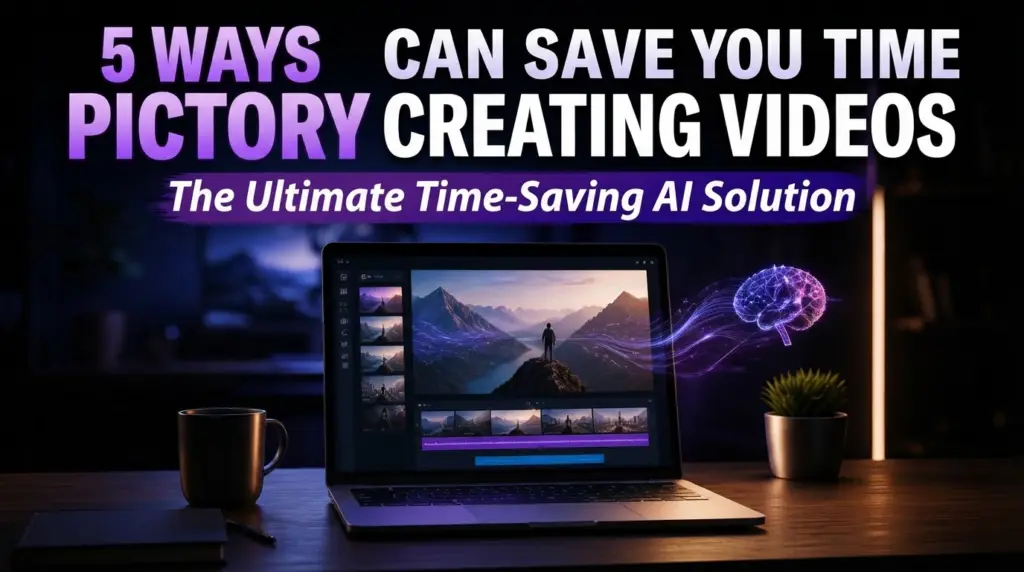
For a closer look at what the platform offers, our Pictory AI page covers the essentials. And if you want more ways to save time in the workflow, our guide on 5 ways Pictory AI can save you time creating videos goes deeper.
This article may contain affiliate links, learn more.
Pingback: Pictory vs Canva: Which Is Better for Video Creation?