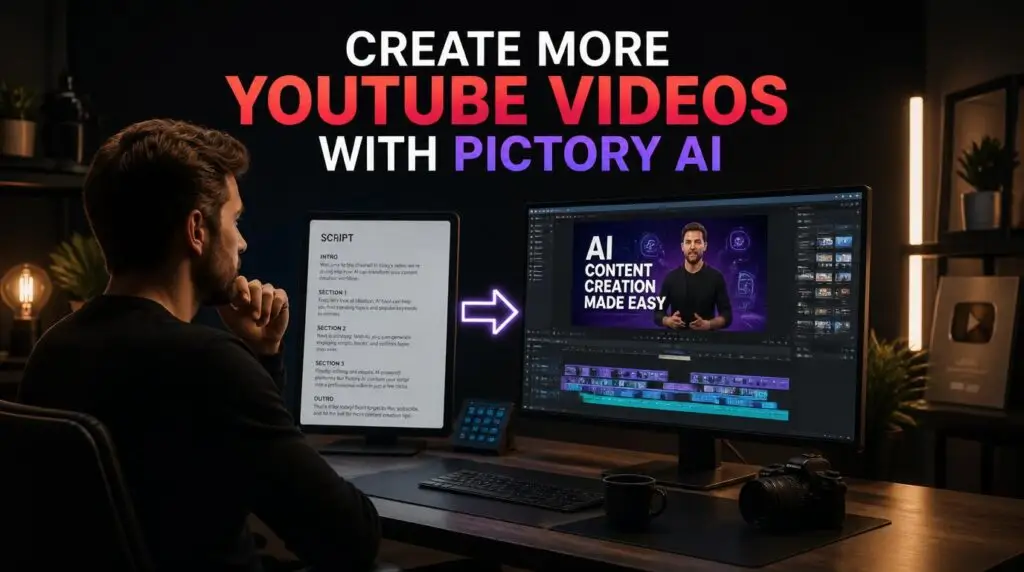
If you’ve ever sat down to plan your YouTube uploads for the month and quietly given up halfway through, you’re not alone. Most creators don’t struggle with ideas — they struggle with the sheer time it takes to turn an idea into a finished, published video. That’s exactly the gap Pictory AI was built to close.
Table of Contents
ToggleThe Real Problem Isn’t Ideas — It’s Production Time
Ask any YouTuber what’s holding back their upload schedule, and the honest answer is rarely “I don’t know what to make.” It’s everything that happens after the idea: writing the script, finding footage, editing, syncing captions, exporting. By the time all that’s done, one video can easily eat an entire weekend.
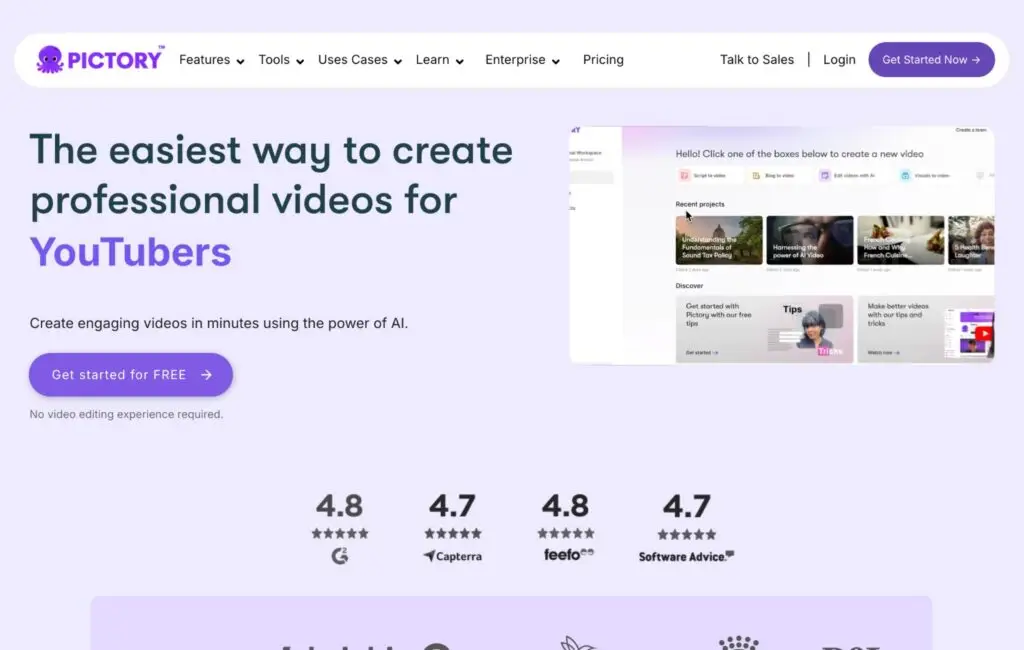
Pictory targets that exact bottleneck. Instead of starting with a blank editing timeline, you start with your script — and the platform builds a working video draft around it automatically.
How It Works, in Plain Terms
You write (or paste in) your script. Pictory breaks it into scenes, matches relevant visuals to each one, adds captions, and generates a voiceover if you want one. What used to take hours of manual editing now takes minutes to get a solid first draft — one you can refine rather than build from scratch.
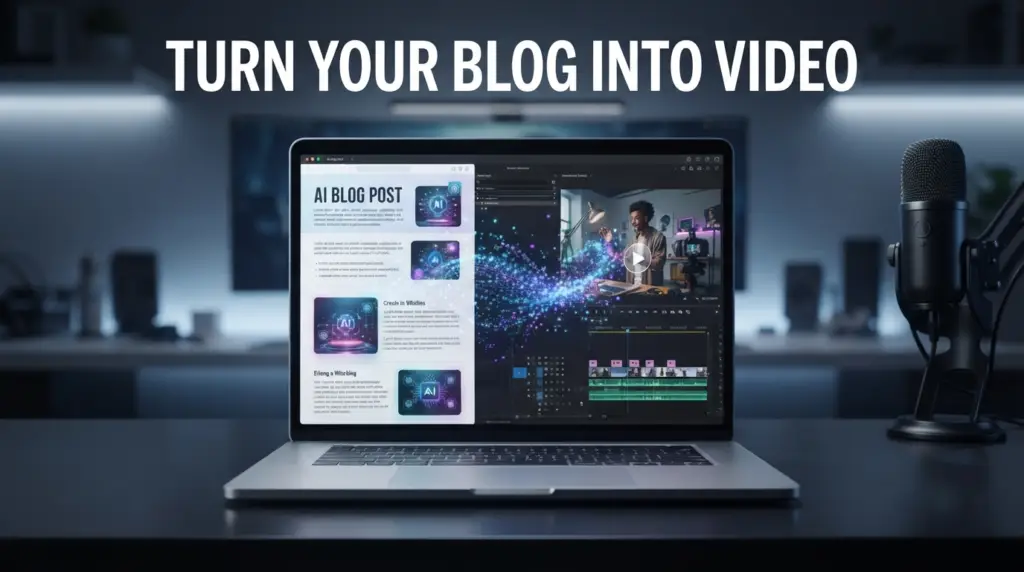
You can try Pictory free here to see the workflow in action. If you want a step-by-step example, our guide on how to turn a PDF into a video with Pictory AI walks through the process.
Why Pictory AI YouTube Videos Rank Better on the Platform
YouTube tends to reward channels that publish consistently over time, far more than channels that occasionally post something spectacular. Consistency compounds. A channel that reliably uploads every week, even with simpler production, often outperforms one that publishes rarely — no matter how polished each individual video is.
If production time is the thing standing between you and a consistent schedule, that’s precisely the problem worth solving first. If you’re working without appearing on camera, our guide on how to create a faceless YouTube video covers how to structure that format.
A Simple Workflow for More YouTube Videos
Write your script — this is still the foundation everything else builds on
Generate your first draft through Pictory
Review the pacing and visuals, swapping out anything that feels generic or off-brand
Add or refine your voiceover
Export, then pull two or three short clips for YouTube Shorts from the same video
That last step matters more than people realize — one script can realistically become a full video and several Shorts, without writing anything new. For help on the script side, our guide on how to write a script for AI video generator tools covers the structure that AI tools handle best.
Who Benefits Most From This Approach
This workflow tends to work especially well for:
Faceless channels, where voiceover and visuals carry the video instead of an on-camera presence
Script-heavy formats — explainers, list videos, commentary, news roundups
Channels trying to publish more often without sacrificing quality or burning out in the process
If your content is more about elaborate, hand-filmed cinematography, this won’t replace that. But for scripted, narration-driven content — which covers a huge share of YouTube — it removes a lot of the friction standing between you and a full content calendar.
If you’re still deciding between tools, our Pictory vs Canva comparison breaks down which one fits which type of project. And for more on the platform itself, our Pictory AI page covers the essentials.
The Bottom Line
Creating more YouTube videos doesn’t require creating more hours in the day. It requires removing the repetitive, time-consuming steps that eat up most of your production time in the first place. That’s what Pictory is built to do — not replace your judgment or creativity, but clear the path so you can actually publish what you’ve already got the ideas for.
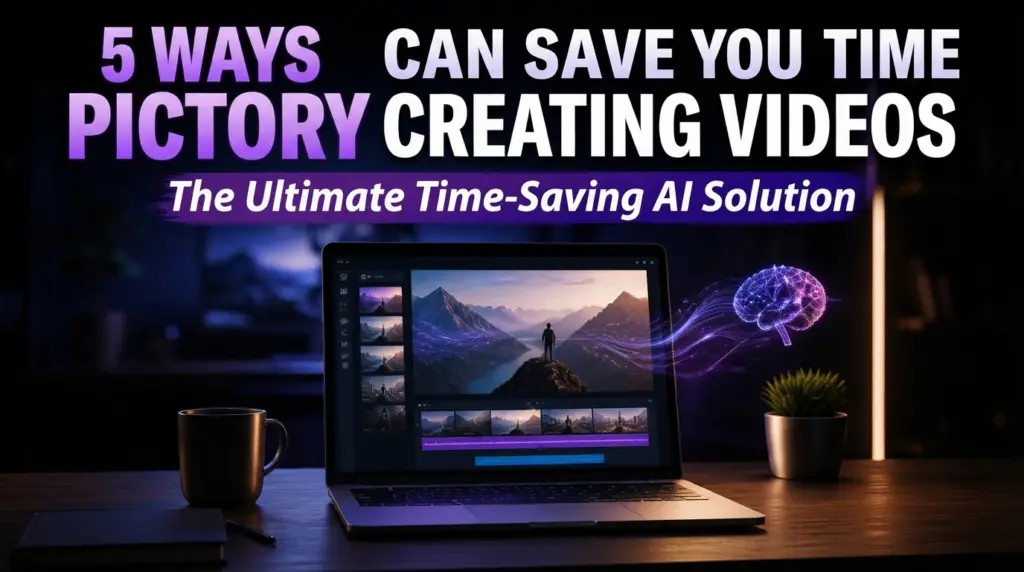
If you’re serious about growing your YouTube channel without spending hours editing, you can try Pictory for free here. For another angle on the same problem, our guide on 5 ways Pictory can save you time creating videos goes deeper.
This article may contain affiliate links, learn more.