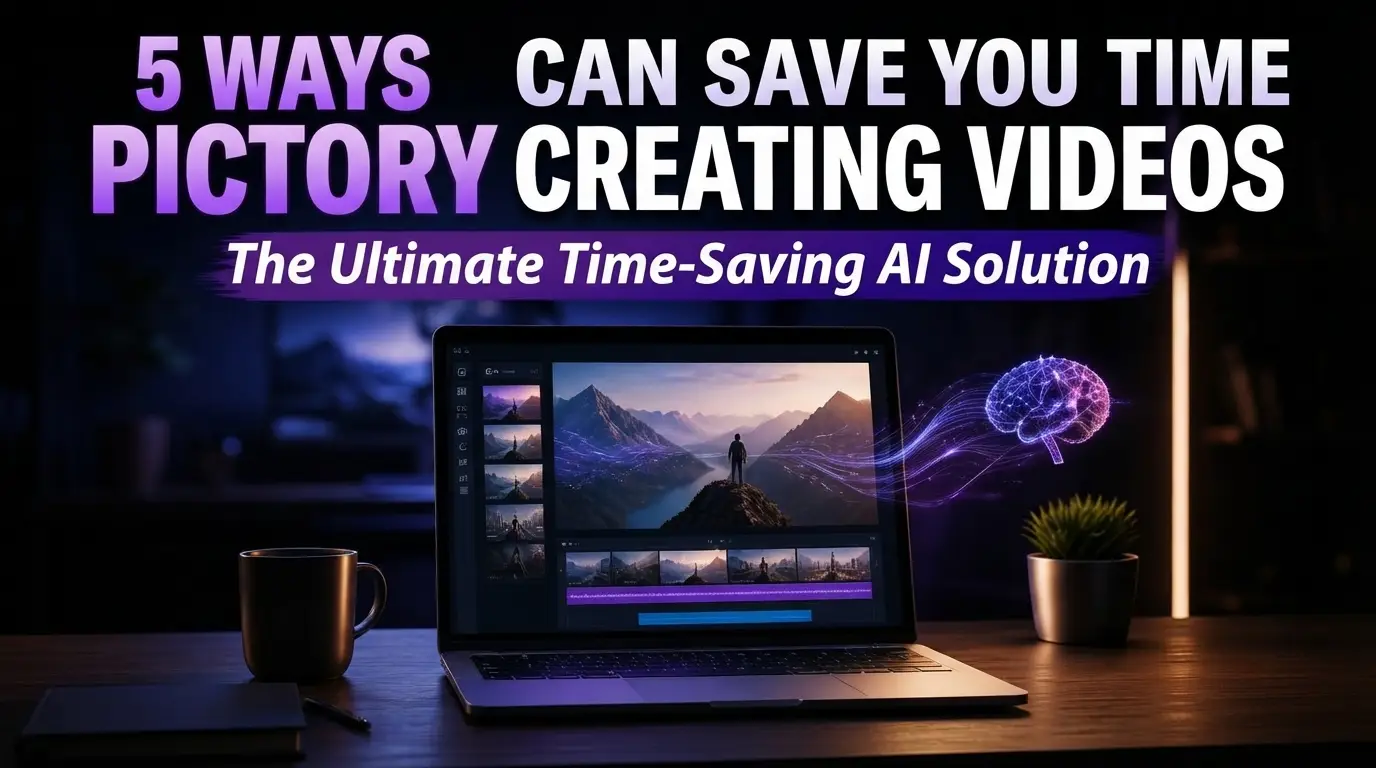
Pictory AI can save you time creating videos in ways you might not expect. Video is one of the most time-consuming content formats to produce — which is exactly why so many creators avoid it or fall behind on publishing. Pictory AI was built to address that specific pain point. Here are five concrete ways it can cut down the time you spend getting a video from idea to finished product.
Table of Contents
Toggle1. It Skips the Blank-Timeline Problem
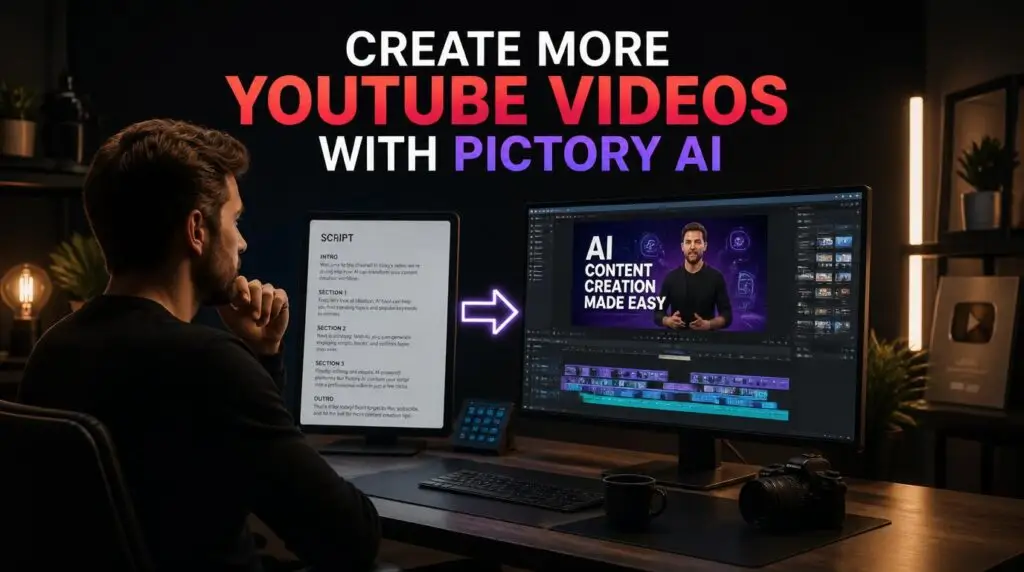
Opening a traditional editor with nothing but an empty timeline is often the biggest time sink of all — not because editing itself is slow, but because deciding where to start is. Pictory AI starts from your text instead. You paste in a script, article, or set of notes, and it builds an initial scene-by-scene structure automatically. You’re immediately working with something, rather than staring at a blank project.
2. Automatic Scene Matching Removes Manual Footage Searching
Sourcing the right stock clip for every sentence is tedious. Pictory AI automatically matches relevant visuals to your text using its stock library, so you’re not spending twenty minutes searching for “person typing on laptop, generic office” for a single ten-second scene. You can always swap a clip you don’t like, but you’re editing from a working draft instead of an empty one.
3. Built-In Captioning Without Manual Syncing
Captions significantly boost watch time on social platforms, but manually timing text to audio is one of the more tedious parts of editing. Pictory AI generates captions automatically and syncs them to the voiceover or narration, saving what can easily be 20–30 minutes per video of manual timing work. If you want to know more about narration in general, our guide on AI voiceovers covers how it works.
4. Text-Level Editing Instead of Timeline Editing
If you want to change what a scene says, you edit the text — not a dozen keyframes on a timeline. Since the video updates based on the script, revisions are faster. This matters especially when you’re iterating on messaging (for marketing copy, for instance) and don’t want to redo visual editing every time the wording changes. For guidance on how to structure that text well, see our guide on how to write a script for AI video generator tools.
5. One Long-Form Piece Becomes Several Shorter Ones
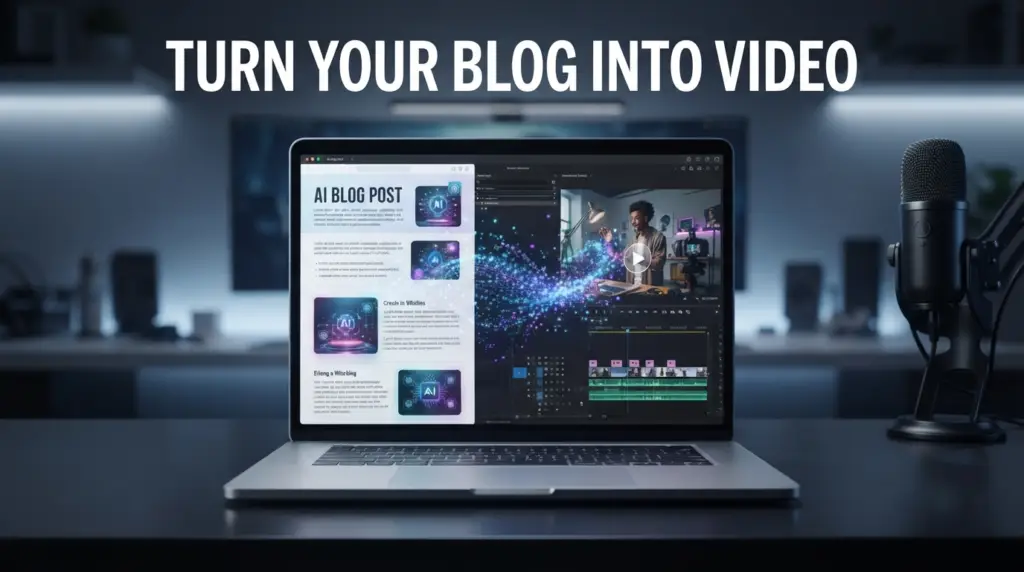
Because Pictory AI works from text, a single article or script can be repurposed into multiple videos with relatively small edits — a full-length version, a couple of short-form clips, maybe a highlight reel. Instead of building each piece separately from scratch, you’re adjusting an existing structure, which is considerably faster than starting over each time.
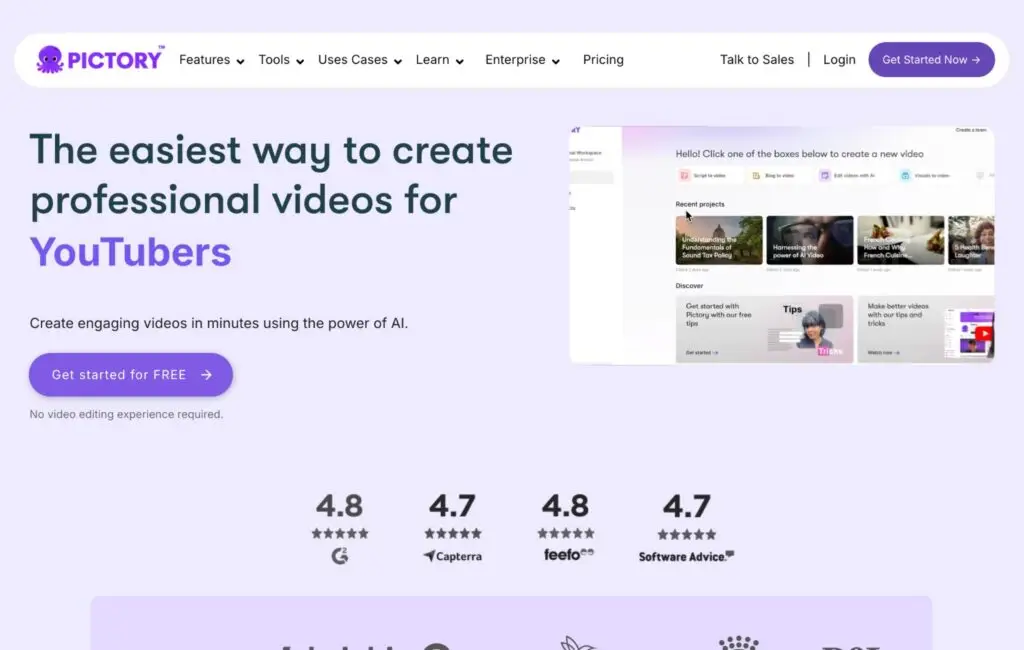
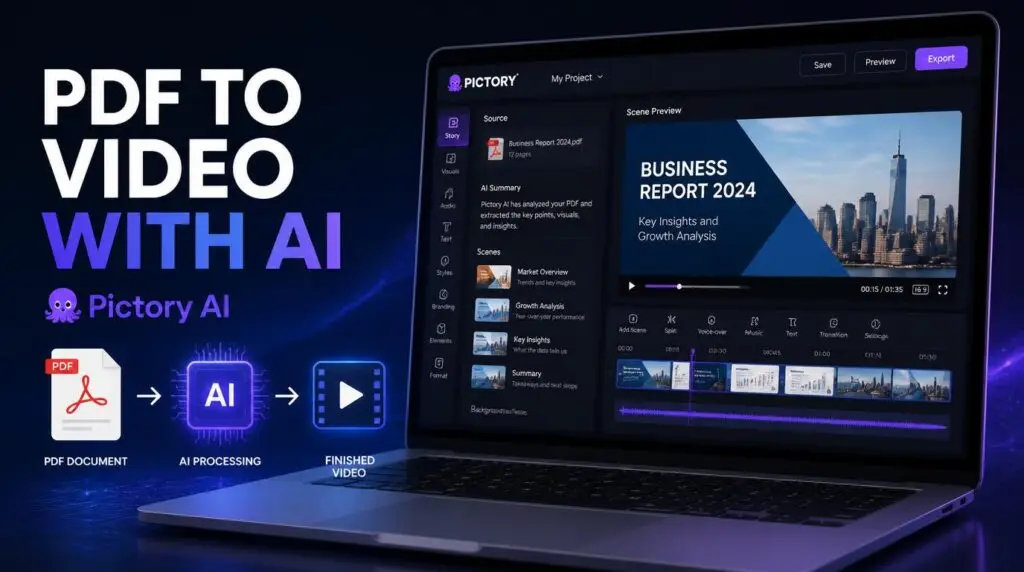
You can try Pictory AI free here to see how the repurposing workflow actually looks. For a step-by-step example, our guide on how to turn a PDF into a video with Pictory AI walks through the process.
How Pictory AI Fits Into the Bigger Picture
None of this means Pictory AI eliminates editing work entirely — you’ll still want to review pacing, swap out visuals that feel off, and make sure the final video actually represents your voice. But by removing several of the slowest, most repetitive steps in the process, it makes video a realistic, repeatable part of a content workflow instead of an occasional, dreaded project.
If time is the main thing standing between you and publishing more video content, this is precisely the problem Pictory AI is designed to solve.
For a full breakdown of how Pictory AI compares with other tools, our Pictory vs Canva comparison covers the differences. If you’re working without appearing on camera, our guide on faceless YouTube videos shows how this workflow fits that format. And if you want more ideas for publishing more often, our post on creating more YouTube videos with Pictory AI goes deeper.
If you’re ready to save time and simplify your video creation workflow, you can try Pictory AI for free here. For a closer look at what the platform does, our Pictory AI page covers the essentials.
This article may contain affiliate links, learn more.
Pingback: Pictory vs Canva: Which Is Better for Video Creation?
Pingback: How to Turn a PDF Into a Video With Pictory AI
Pingback: Pictory AI YouTube Videos: Simple 2026 Workflow Guide